You can access your Microsoft 365 (M365) account using a web browser Outlook on the Web (OWA) such as Microsoft Edge, Google Chrome or Firefox.
For better security and performance, it is recommended that you use the latest version of a browser supported by your operating system.
Go to the CityUHK Email Services webpage at https://email.cityu.edu.hk and select @mycityu.edu.hk, according to your status.
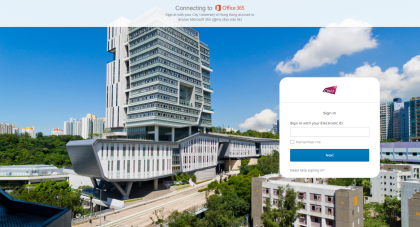
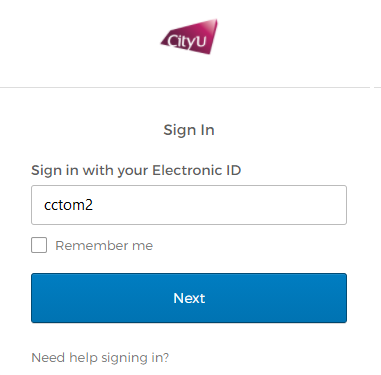
On the Sign-in page, enter your CityUHK EID. For example: cctom2-c@my.cityu.edu.hk →EID: cctom2
Click Next.
After signing in successfully, you will be directed to your mailbox in Outlook on the Web (OWA). OWA allows you to read and send emails, manage contacts, create tasks, and organize your calendar.
For more information about OWA, please visit: Getting Started with Outlook on the Web
http://help.outlook.com/en-US/140/bb899531.aspx
When you have finished using your mailbox, always sign out of your account, especially when using a shared or public computer.
Return to FAQs on CityUHK Microsoft 365
IT.ServiceDesk@cityu.edu.hk