(For more information, please refer to Frequently Asked Questions / Policy and Guidelines for this service)
Quota Controlled Fast Print Queue service is provided in Computing Services Centre to enhance the existing quota-based printing service with the following advantages:
Users can also release their print jobs inside CityU Library at the following locations (the printers are maintained by Library)
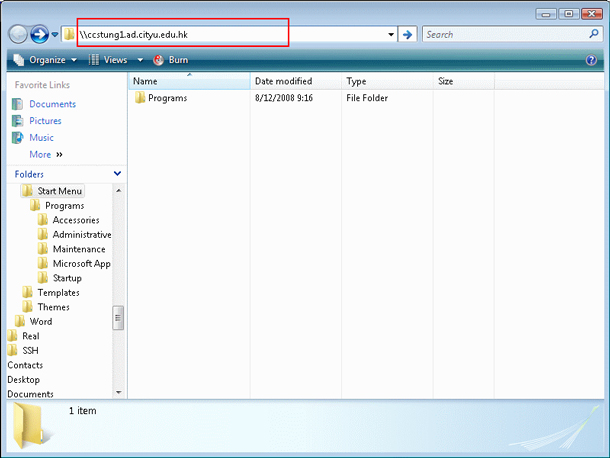
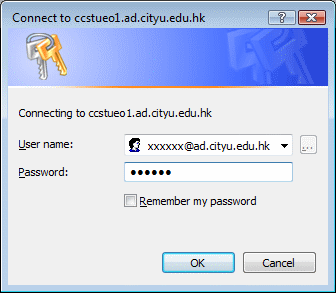
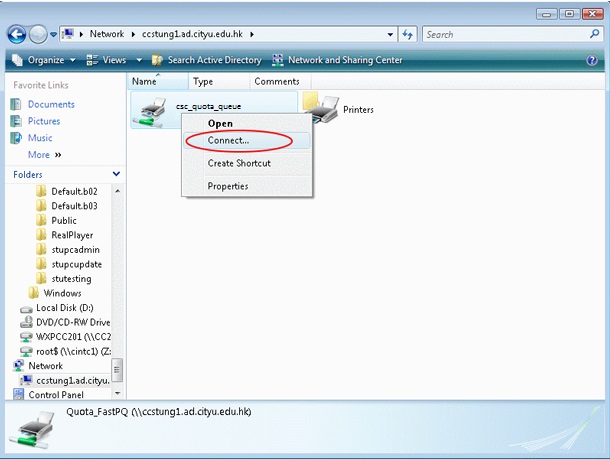
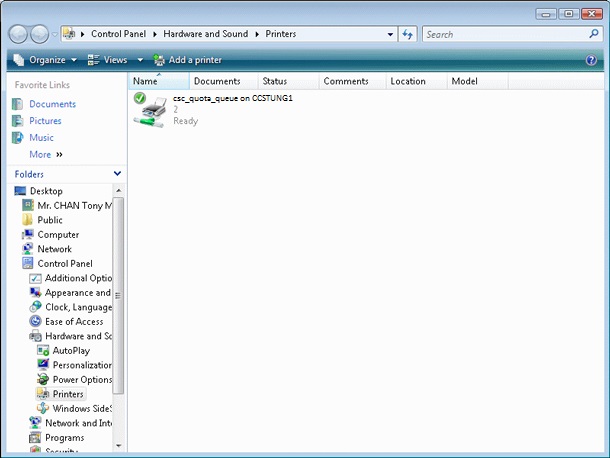
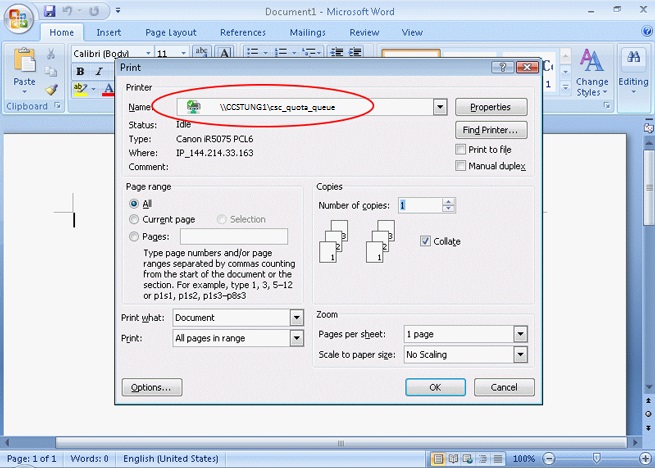
To increase user convenience, we have added this printing service to notebook computers. Users can submit their print jobs through the notebooks anywhere.
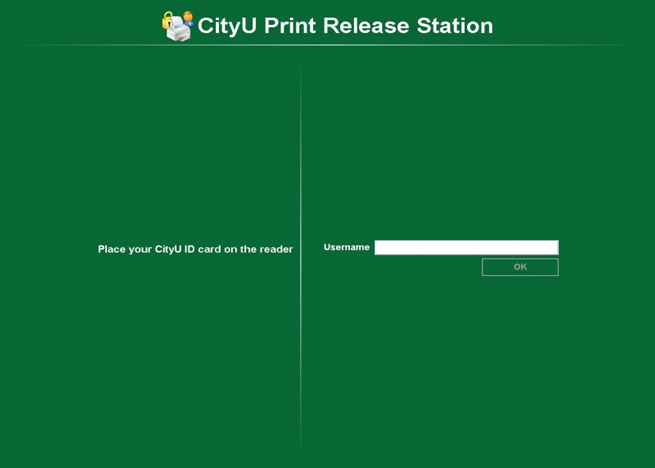
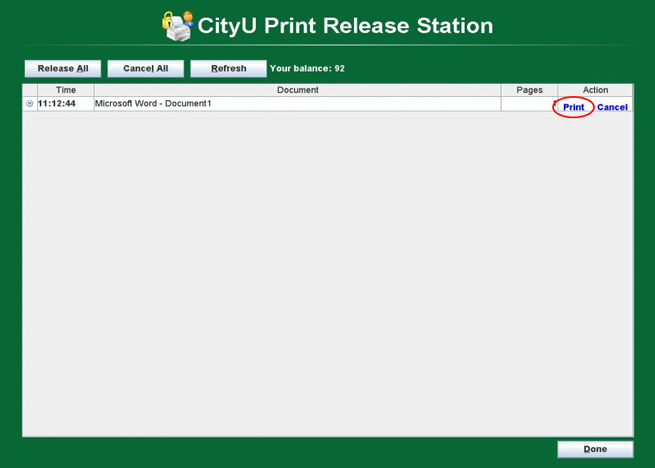
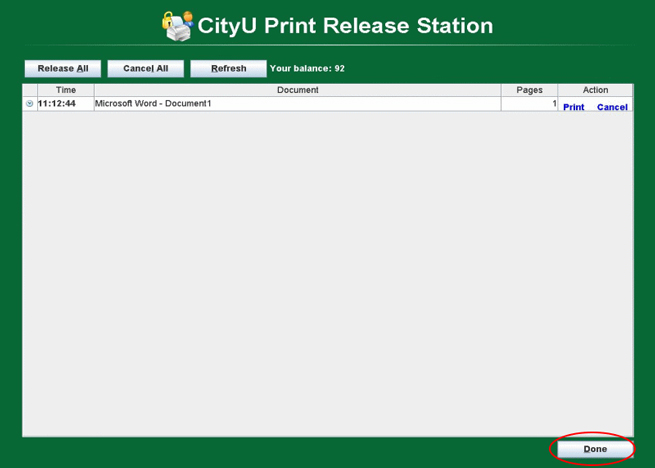
They can then release the print job and pick them up at the release station by using their CityU ID Card. The print quota will be deducted when user release the print job.
In order to speed up the central printing system so as to cope with heavy printing demand at the beginning of Semester A, students are strongly recommended not to submit their print jobs until they are ready to be released at the printing station as the performance of central printing system will be seriously affected if too many print jobs are submitted without being released.
ALL submitted print jobs must be released within 1 hour or else they will be deleted automatically and students will have to re-submit their print jobs.
Double-sided or duplex printing consumes fewer sheets of paper, therefore all print queues connected to the quota-controlled fast printers have been configured to duplex printing mode as default. However, if necessary, users still can select simplex mode printing by selecting it in the Print Type of the Layout of the Printing Preferences.
Return to Main Print Service page
IT.ServiceDesk@cityu.edu.hk