
Mobility Print: A Cross-Platform, One-Stop Printing Experience for Personal Devices
Printing from personal devices has traditionally been challenging across different platforms. Compatibility requirements between users' devices and the Free-Quota Printing Service infrastructure often resulted in a more complicated setup process.
Support for iOS devices was especially difficult in the past, as native Apple printing relied on hardware and technologies that were not always easy to integrate into a corporate environment where Apple hardware is not the mainstream platform.
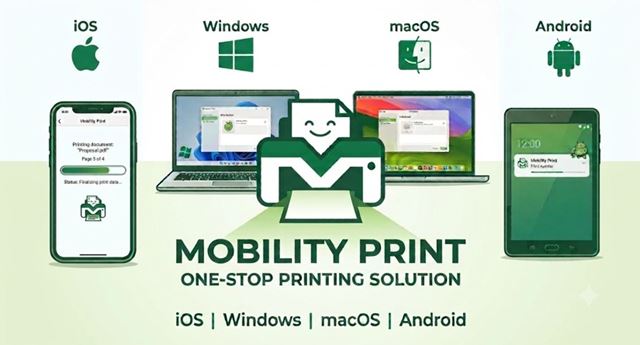
Mobility Print, provided by PaperCut, is a feature built on the existing print quota management platform that supports the Free-Quota Printing Service. It introduces a one-stop printing experience that enables users to print from their personal devices in a more familiar and native way. By installing the Mobility Print client and following the specific setup steps, users can submit print jobs from a wide range of devices, including iOS, Windows, macOS, and Android devices. Once the Mobility Print is set up, users can send print jobs to the Free-Quota Printing System in a way similar to printing to a network printer on a local network. Users will authenticate with their EID and password so that submitted print jobs can be identified and released at the designated release stations. The existing solution used to support print job submission from iOS devices is no longer supported by PaperCut and was retired on 14 August 2026. iOS device users are therefore strongly encouraged to explore and switch to Mobility Print as soon as possible to enjoy the new experience of using the Free-Quota Printing Service. For any enquiries regarding the Mobility Print, please feel free to reach out to the IT Service Desk at 3442 8340 or via email at IT.ServiceDesk@cityu.edu.hk. Our team is committed to supporting you!
 CityU IT ChatBot